

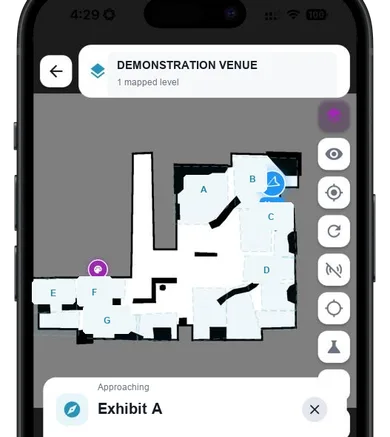
Approach a mapped exhibit
A controlled demonstration can use approved mapped points to place the visitor experience in context.

GUIDi Map
GUIDi Map connects participating visitor journeys with venue-level insights in controlled demonstrations.
Request a Demo 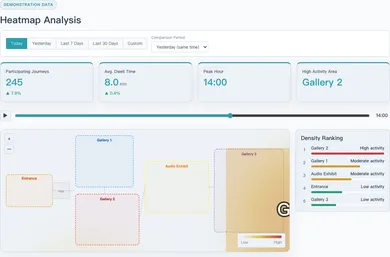
GUIDi Map
A structural story of a participating visit. It is not a live venue feed or availability claim.
A controlled demonstration can use approved mapped points to place the visitor experience in context.
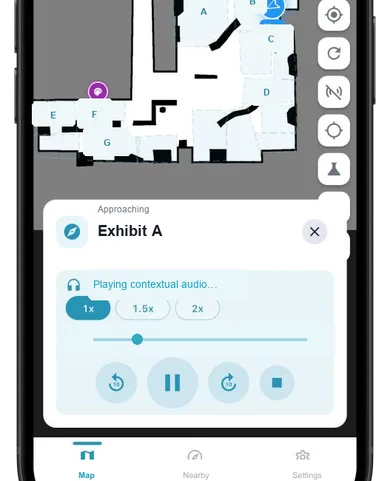
Approved contextual content can begin when the demonstrated mapped state is reached.
With participation, selected journey events can contribute to venue-level signals.
Visitor experience
An illustrative gallery journey shows orientation, a selected route, and contextual content without representing a named deployment.
Illustrative scenario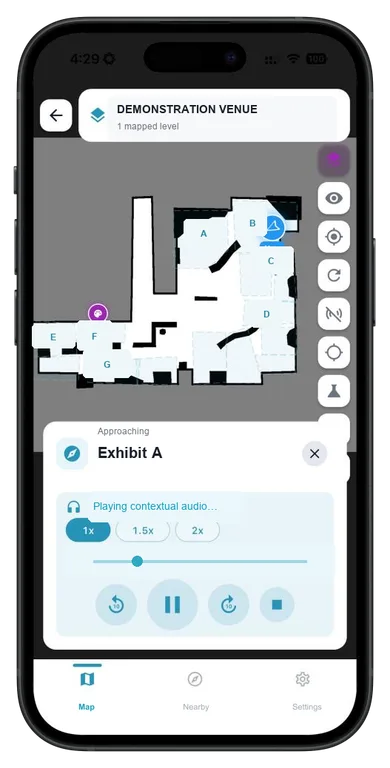
Venue insights
In controlled demonstrations, participating-app journeys can produce venue-level signals. These signals do not represent total venue footfall or exact headcount.
GUIDi Map setup
A practical three-step setup for an editable, evidence-bounded prototype.
Gather approved spatial information and define the demonstration area.
Configure a verified setup and map approved points of interest and audio content.
Test the approved journey, content and evidence boundary before a demonstration.
Request a demo
Tell us about your organisation or venue. We can discuss your context and a controlled demonstration where appropriate.
Request a Demo